Computer Vision is a field of Artificial Intelligence (AI) that enables computers to see, interpret, and understand the visual world, just like humans do. It focuses on how machines can extract, analyze, and understand information from images, videos, or real-time camera feeds.
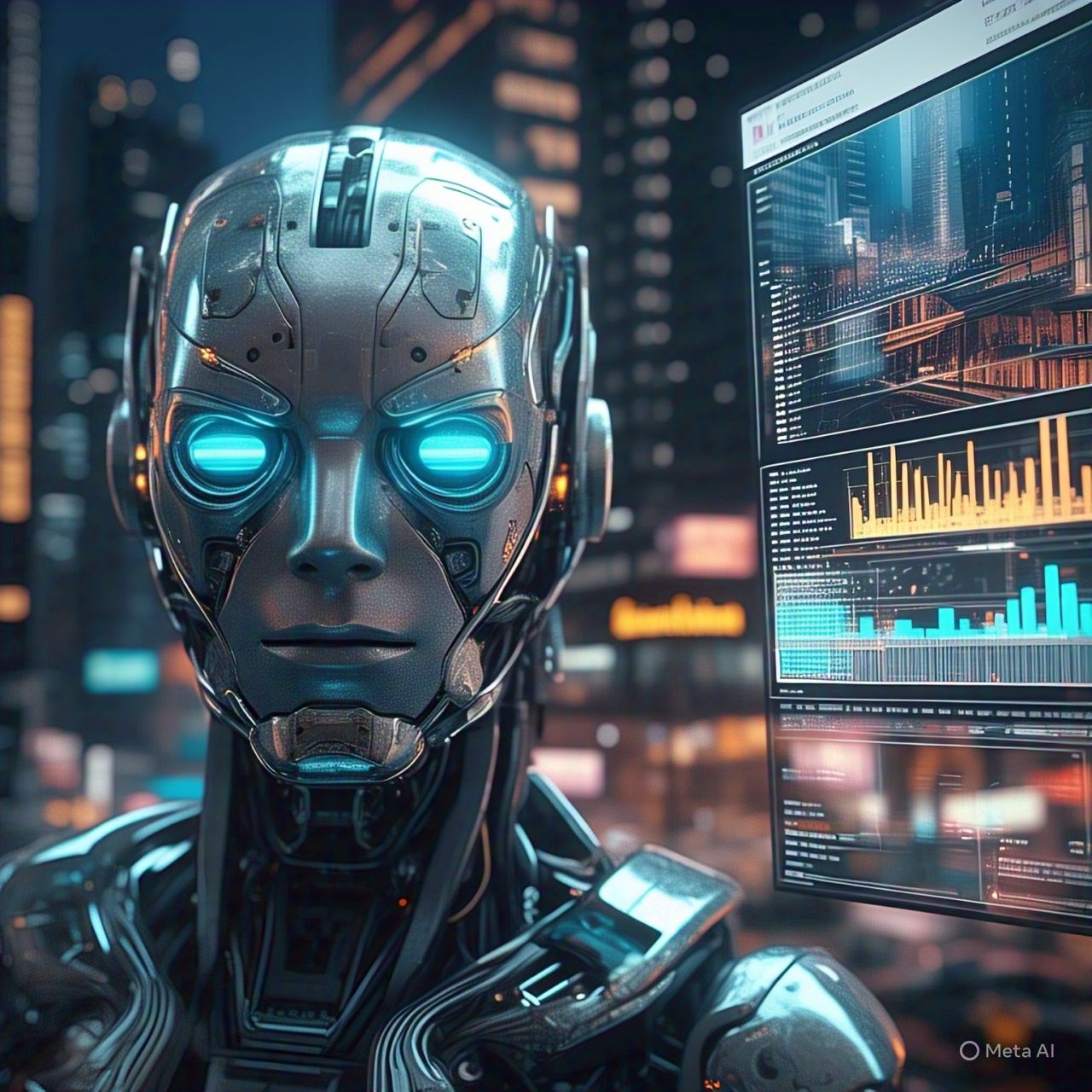
🧠 What is Computer Vision?
At its core, Computer Vision teaches machines to:
- Recognize objects in photos or videos
- Understand scenes and environments
- Detect patterns, shapes, and colors
- Track movements over time
For example, just as your eyes recognize a cat and your brain labels it, a computer vision system uses cameras and algorithms to identify a cat in an image.
How Computer Vision Works:
- Image Acquisition – Capturing images or video using a camera or sensor.
- Preprocessing – Cleaning and enhancing the image (e.g., adjusting brightness, removing noise).
- Feature Extraction – Identifying shapes, colors, edges, textures, etc.
- Object Detection/Recognition – Classifying and locating objects.
- Analysis/Interpretation – Making decisions based on what is seen.
Key Tasks in Computer Vision:
📷 1. Image Classification:
- Identifying what object is in the image.
- Example: Is this a cat or a dog?
📍 2. Object Detection:
- Identifying what objects are present and where they are in the image.
- Example: Detecting all the cars and pedestrians in a street photo.
🔍 3. Object Tracking:
- Following the movement of an object across video frames.
- Example: Tracking a football in a match video.
🧍 4. Image Segmentation:
- Dividing an image into different parts or regions (pixels-level analysis).
- Example: Separating roads, cars, and pedestrians in a self-driving car view.
🧠 5. Facial Recognition:
- Identifying or verifying a person from a photo or video.
- Example: Face unlock on smartphones.
🏷️ 6. Optical Character Recognition (OCR):
- Extracting text from images or scanned documents.
- Example: Reading license plates or converting paper documents to digital text.
Technologies and Tools Used in Computer Vision:
- OpenCV – Open-source library for computer vision tasks.
- TensorFlow & PyTorch – Deep learning frameworks for training CV models.
- YOLO (You Only Look Once) – Real-time object detection algorithm.
- ResNet, VGG, EfficientNet – Deep learning models for image classification.
Applications of Computer Vision:
- Healthcare: Analyzing X-rays, CT scans, detecting tumors.
- Security: Facial recognition in surveillance cameras.
- Retail: Self-checkout, shelf monitoring.
- Automotive: Self-driving cars, traffic sign recognition.
- Agriculture: Monitoring crop health from drone images.
- Manufacturing: Quality inspection on production lines.
- Smartphones: Camera filters, AR (Augmented Reality) effects.
✅ Advantages of Computer Vision:
- Automates tasks that are difficult or tedious for humans.
- Enhances accuracy in fields like healthcare or industrial inspection.
- Enables real-time visual analysis and decision-making.
- Reduces human errors in surveillance and quality control.
⚠️ Challenges in Computer Vision:
- Variability: Lighting, angle, and background can affect accuracy.
- Data Requirements: Requires large and diverse datasets.
- Privacy Concerns: Especially in facial recognition and surveillance.
- Computation Power: Training vision models can be resource-intensive.
Future of Computer Vision:
With advancements in AI and hardware, future CV systems will:
- Understand scenes more deeply and contextually.
- Work better in poor lighting or crowded environments.
- Integrate with AR/VR for immersive experiences.
- Improve real-time decision-making in robotics, security, and transportation.
- Computer Vision